

Get your Pexels API key from your Pexels account when you need image access for Presenton or another integration that uses the Pexels API.Documentation Index
Fetch the complete documentation index at: https://docs.presenton.ai/llms.txt
Use this file to discover all available pages before exploring further.
Before you start
- Make sure you can sign in to your Pexels account.
- Use the account that should own the API key.
Get a Pexels API key
Open the Pexels account menu
On the Pexels website, open the account menu in the top-right corner and select Log in if you are not already signed in.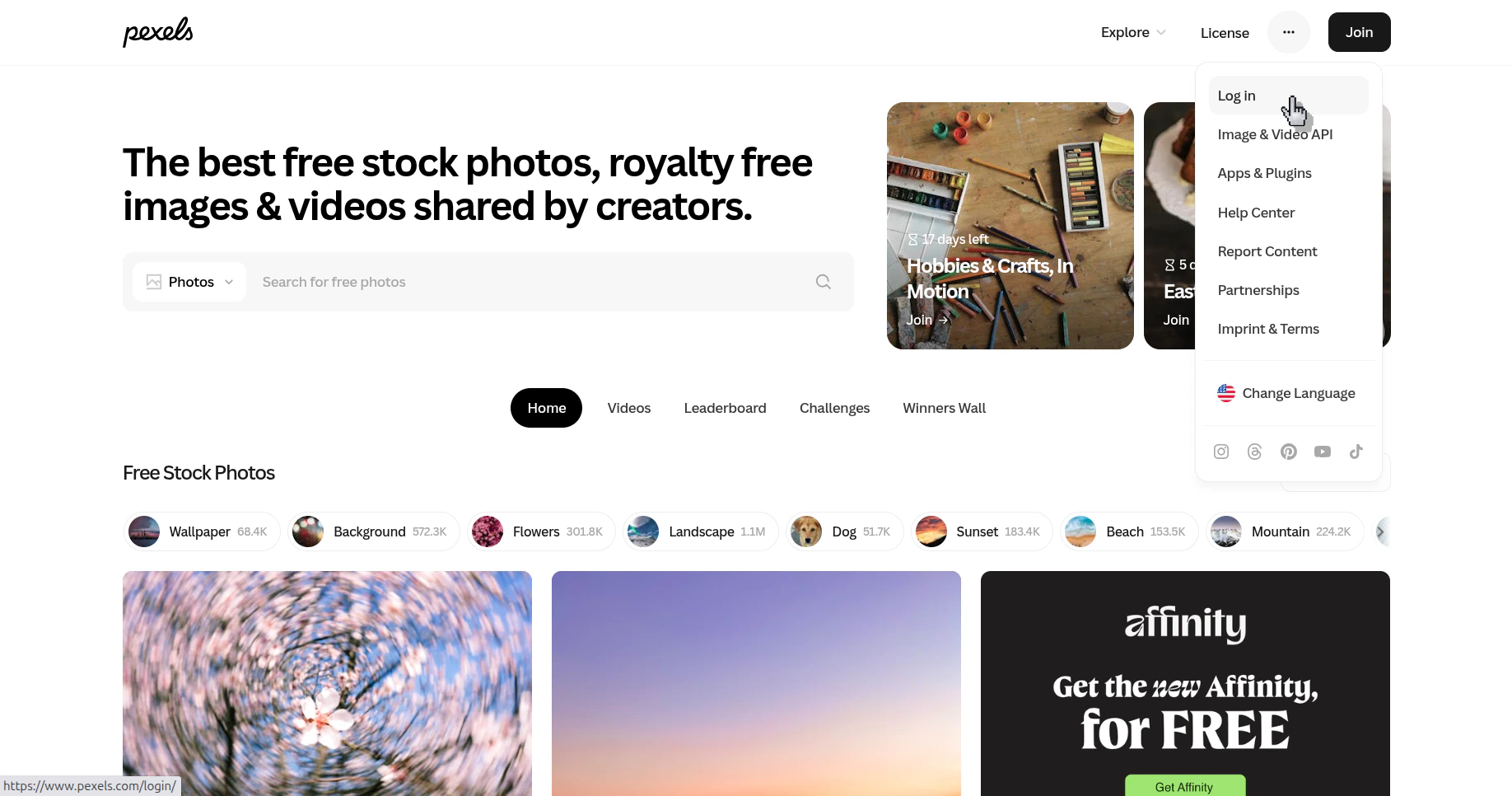
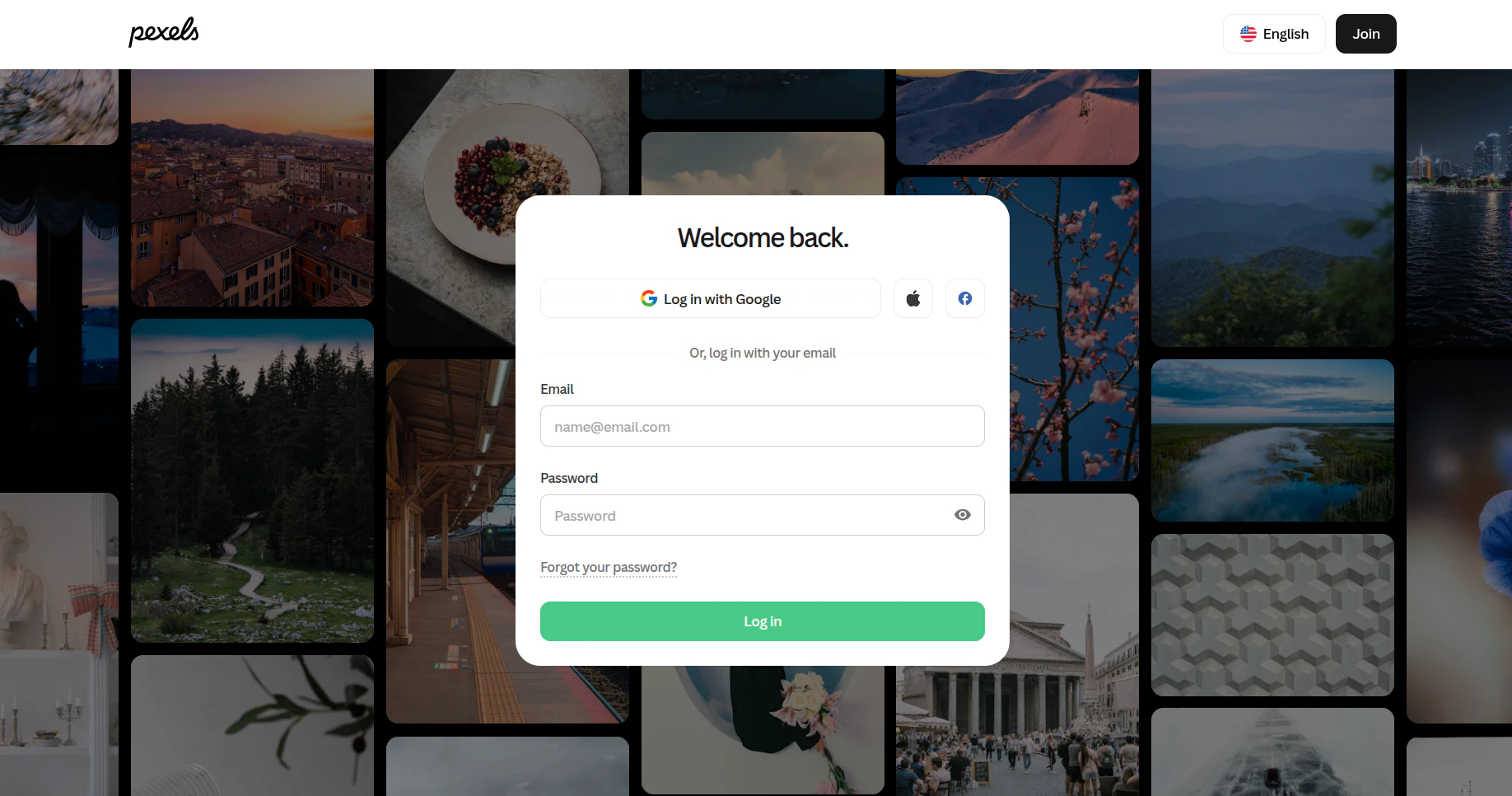
Open the Image & Video API section
After signing in, open the account menu again and select Image & Video API.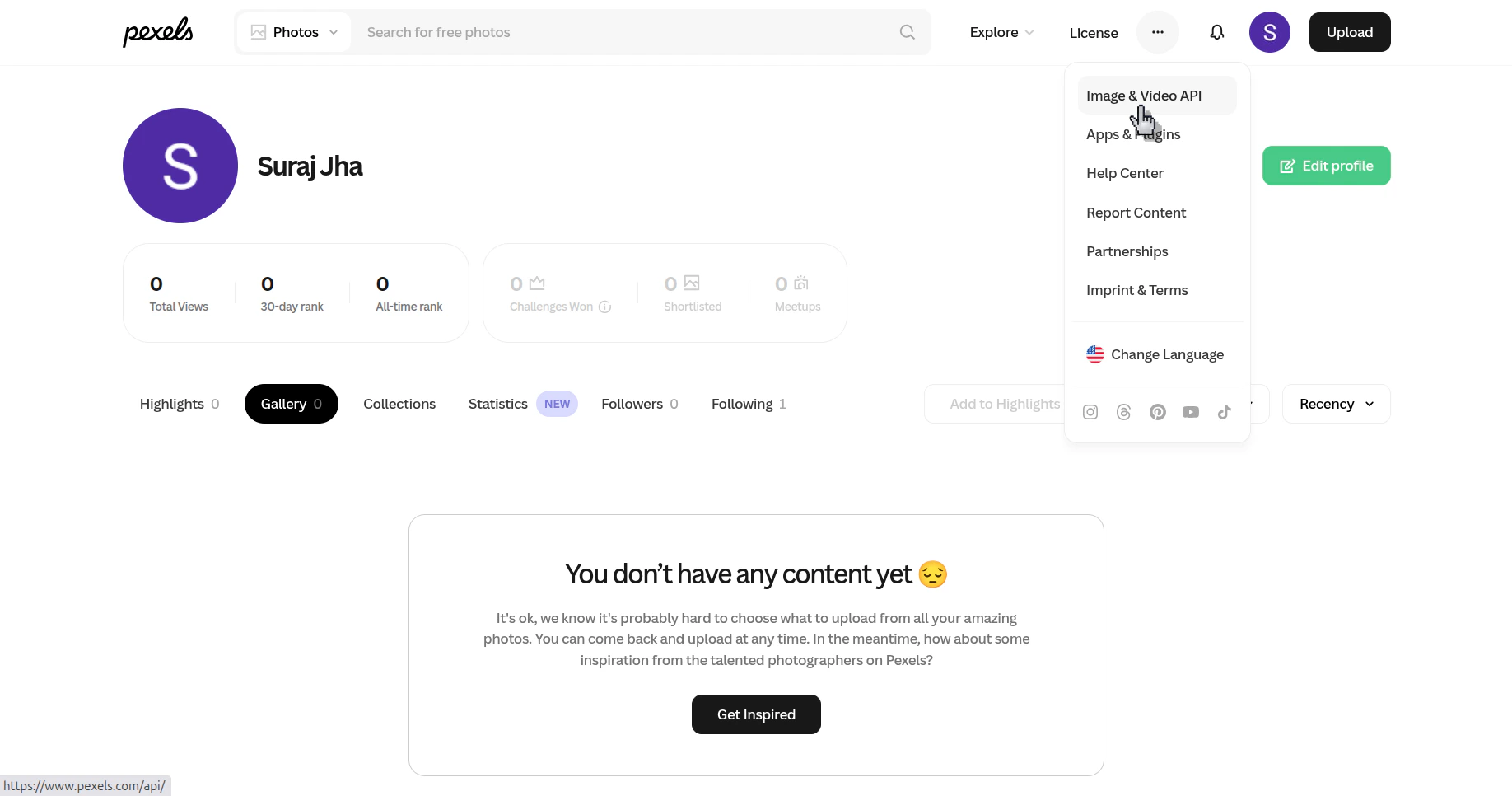
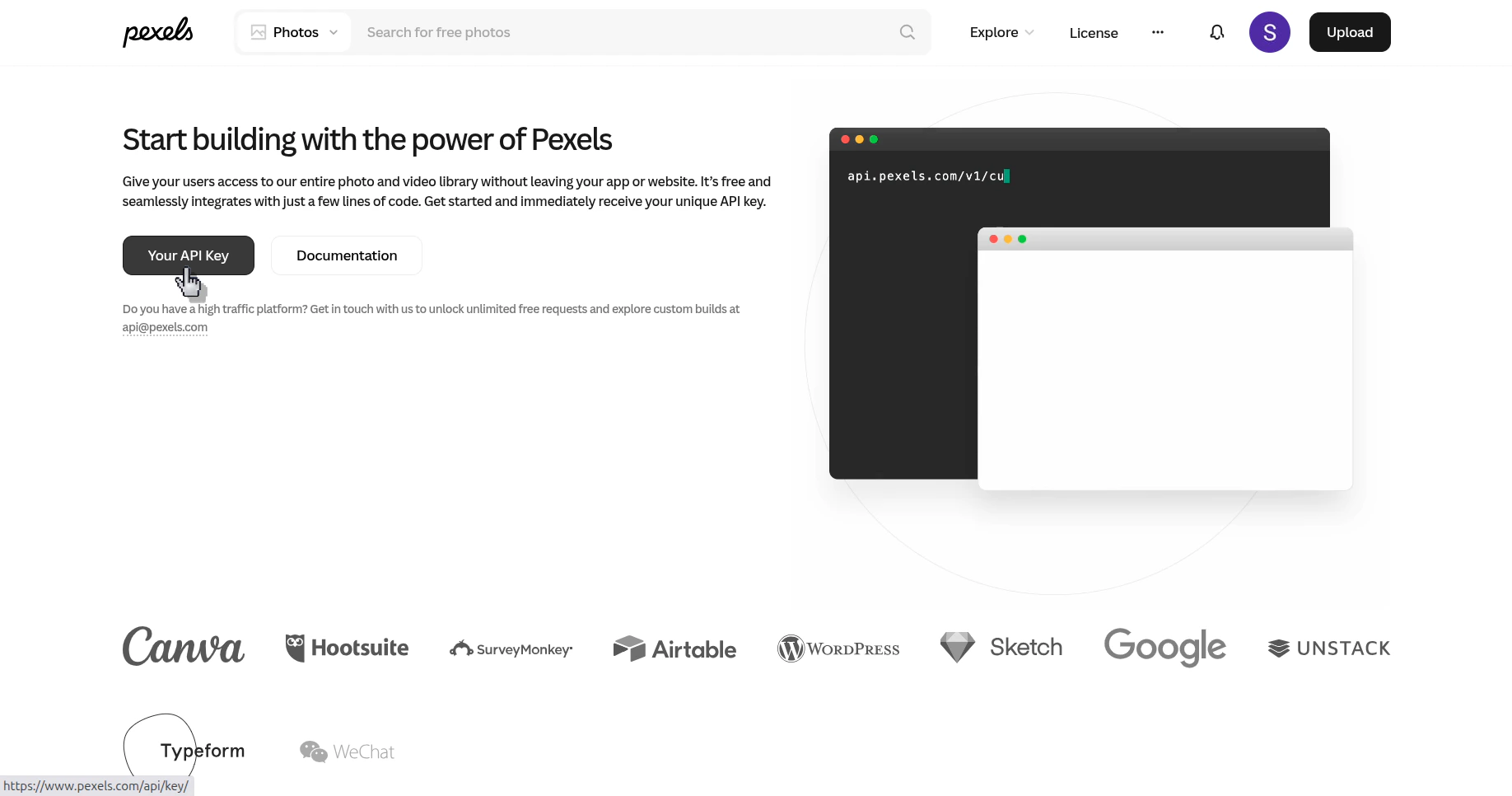
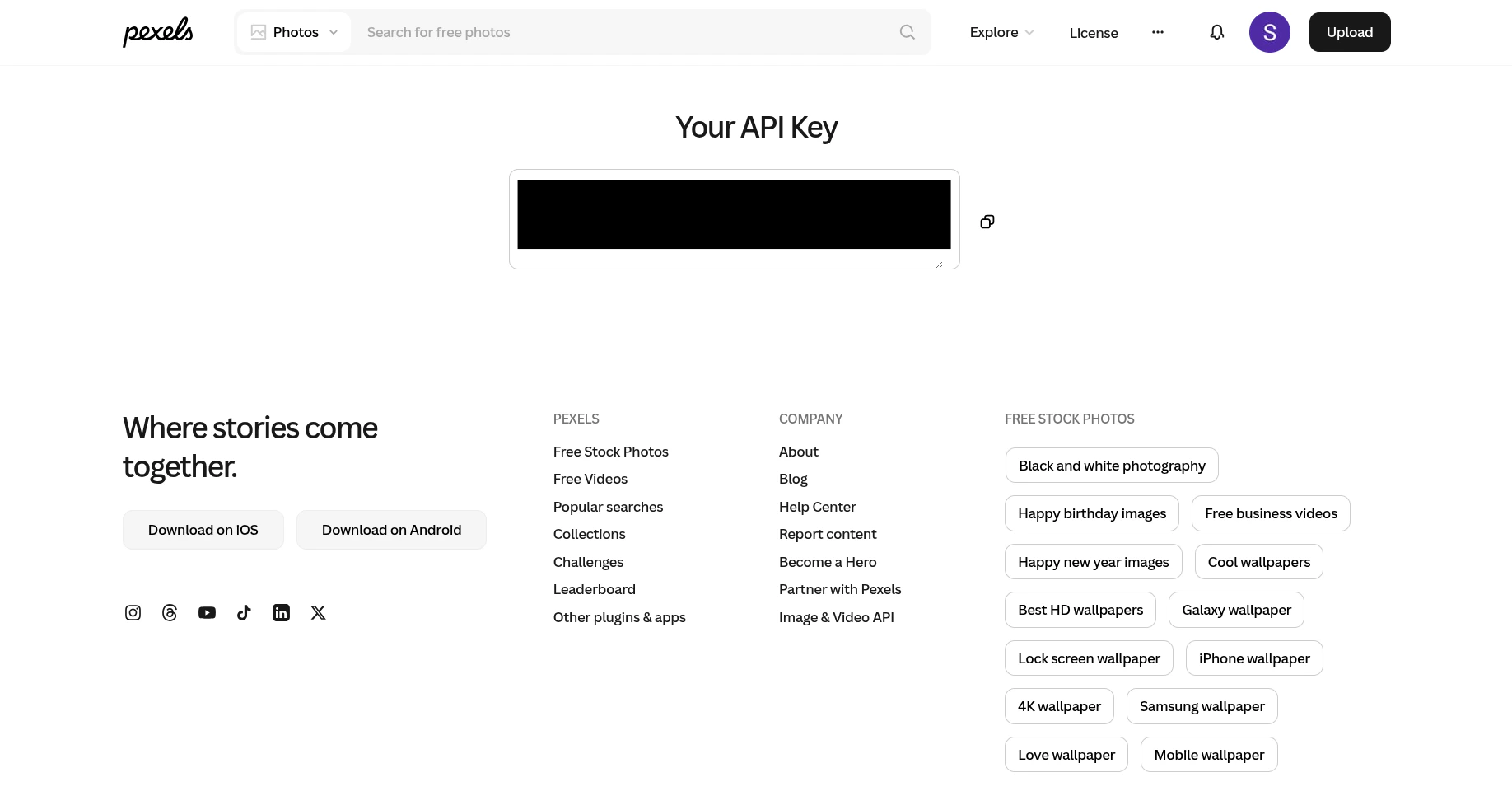
Verify the result
You can copy the Pexels API key from your account and paste it into the place where the integration asks for it.